Address
251 Little Falls Drive, Wilmington, DE 19808, United States


Feeling overwhelmed by scattered tasks and endless apps? Notion AI might just be the productivity upgrade you didn’t know you needed. With powerful templates that do the thinking for you, it’s easier than ever to organize, plan, and execute, all in one place. In this post, we’re revealing the 7 Notion AI templates you’ll actually use to get more done, without burning out.
Table of Contents
Why Notion AI templates are a game changer
Most productivity tools promise structure. Notion AI delivers transformation. With smart templates that think for you, it’s like hiring a digital assistant that’s available 24/7. Whether you’re planning your day or managing a team, Notion AI templates streamline tasks you used to juggle manually.
They don’t just store information, they interact with it. Imagine a content calendar that not only tracks deadlines but also suggests topics based on trends. Or a meeting note template that summarizes conversations while you’re still talking. Notion’s AI features are reshaping how we think about productivity.
How to integrate templates into your daily workflow
Getting started is surprisingly easy. Once you’ve picked a template, you can plug it directly into your Notion workspace. From there, Notion AI begins customizing it to your input; no code, no fuss. Whether you’re using the Notion AI setup starter guide or just exploring, each template evolves as your work does.
Set a consistent time daily or weekly to review and interact with your templates. The more you use them, the more powerful they become, learning from patterns, repeating routines, and anticipating your needs.
Template 1: Daily planner for focused workdays
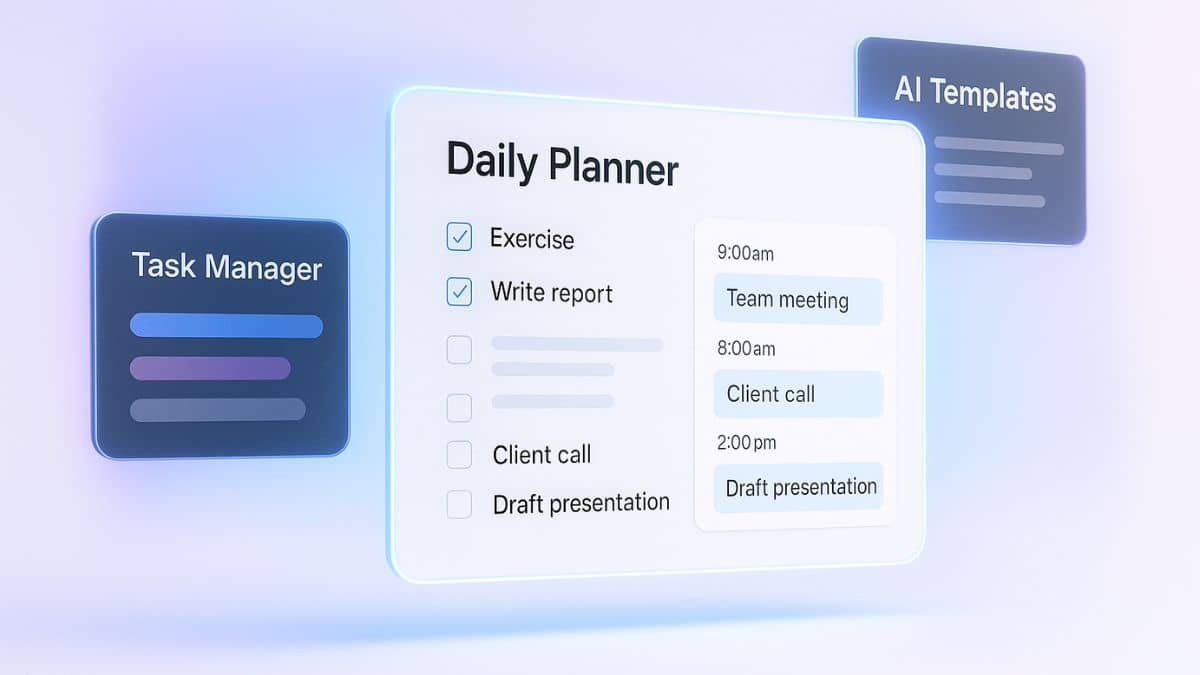
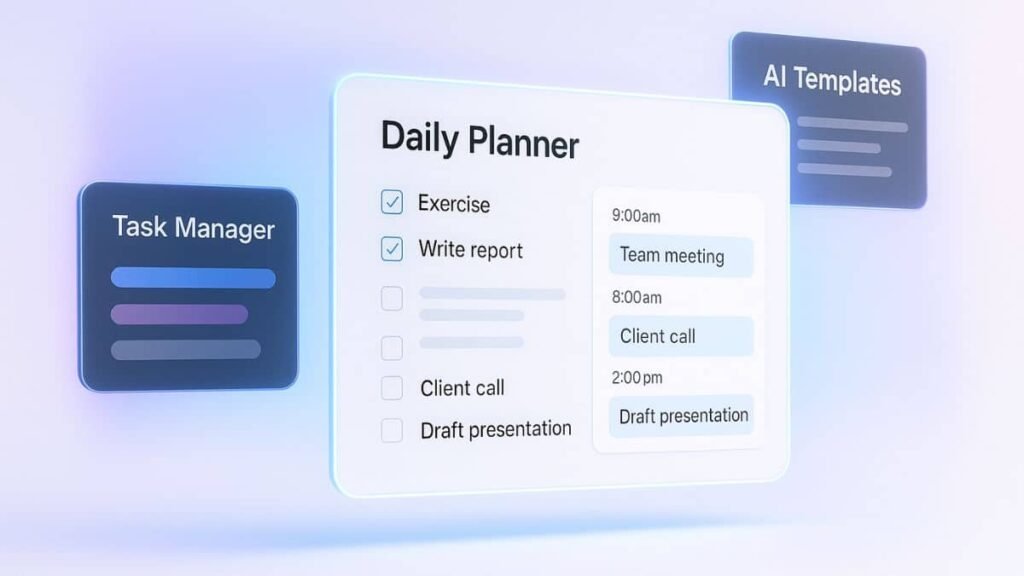
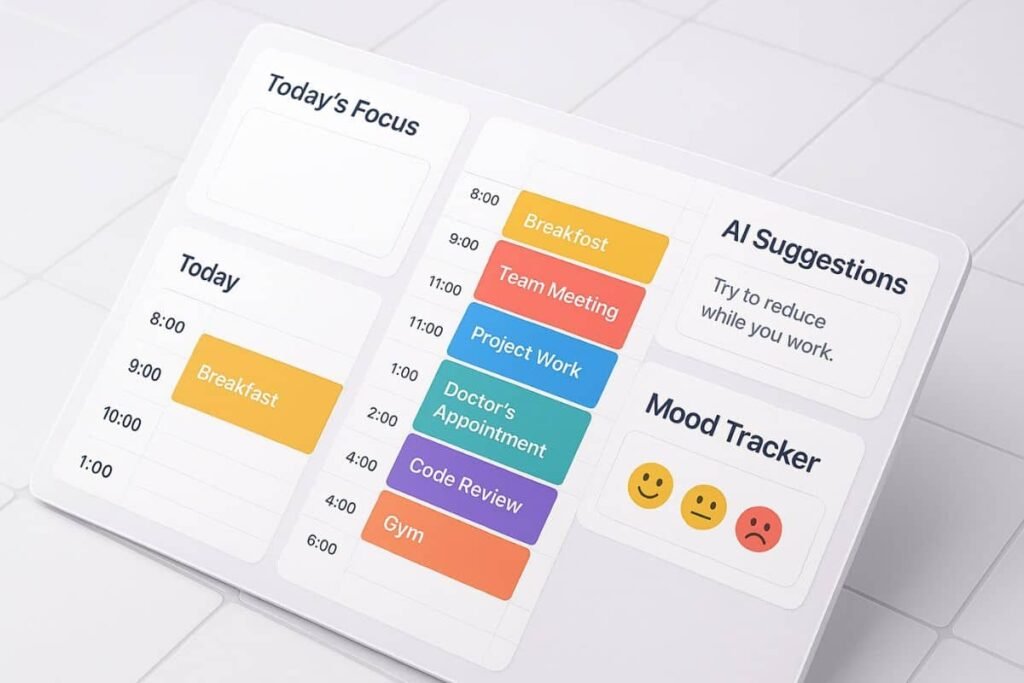
Forget jumping between to-do apps and sticky notes. This daily planner template combines scheduling, prioritization, and focus tracking all in one place. Notion AI breaks your goals into actionable chunks and even suggests ideal time slots based on past patterns.
Key features and best practices
- Smart time-blocking with drag-and-drop editing
- Daily goal reflections and mood tracking
- Automatic prioritization of overdue tasks
Use it as your launchpad every morning. Add tasks, update your mood, and let the AI shuffle your day for maximum efficiency.
Template 2: Goal tracker for long-term planning
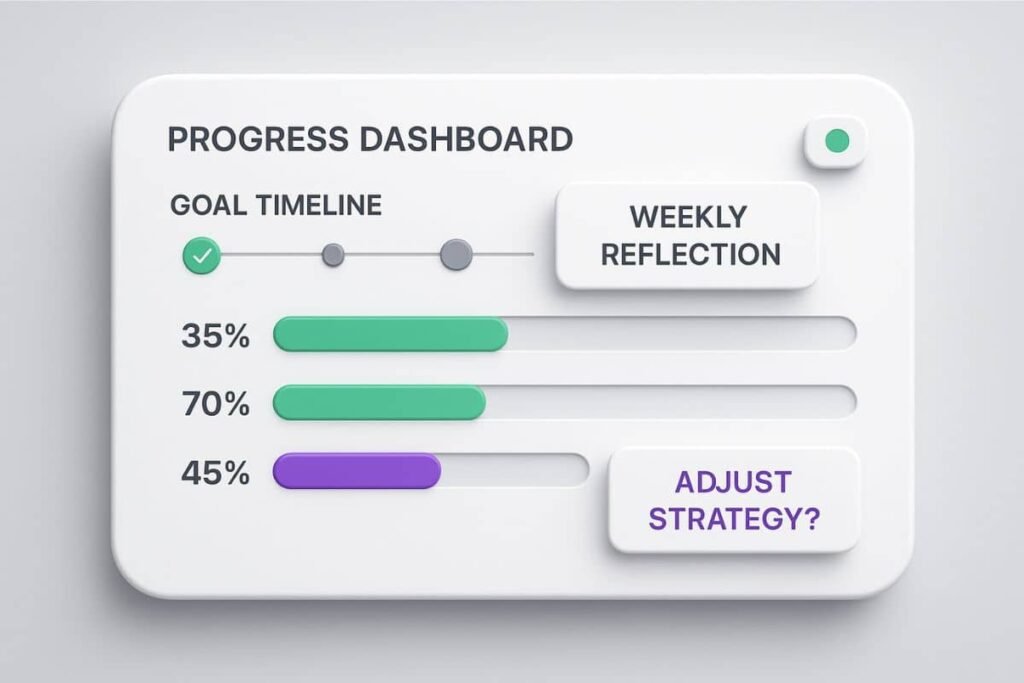
Whether you’re aiming to launch a side project or train for a marathon, this goal tracker helps you map milestones and track progress over weeks or months. It’s like having a personal coach, without the yelling.
How it helps you stay accountable
Set specific goals, tag related tasks, and Notion AI will offer weekly progress snapshots. It even prompts you to reflect on what’s working, and what’s not, making course corrections easy and timely.
You can also link your goal tracker with the AI tools you already use for more integrated productivity.
Template 3: Content calendar for creators
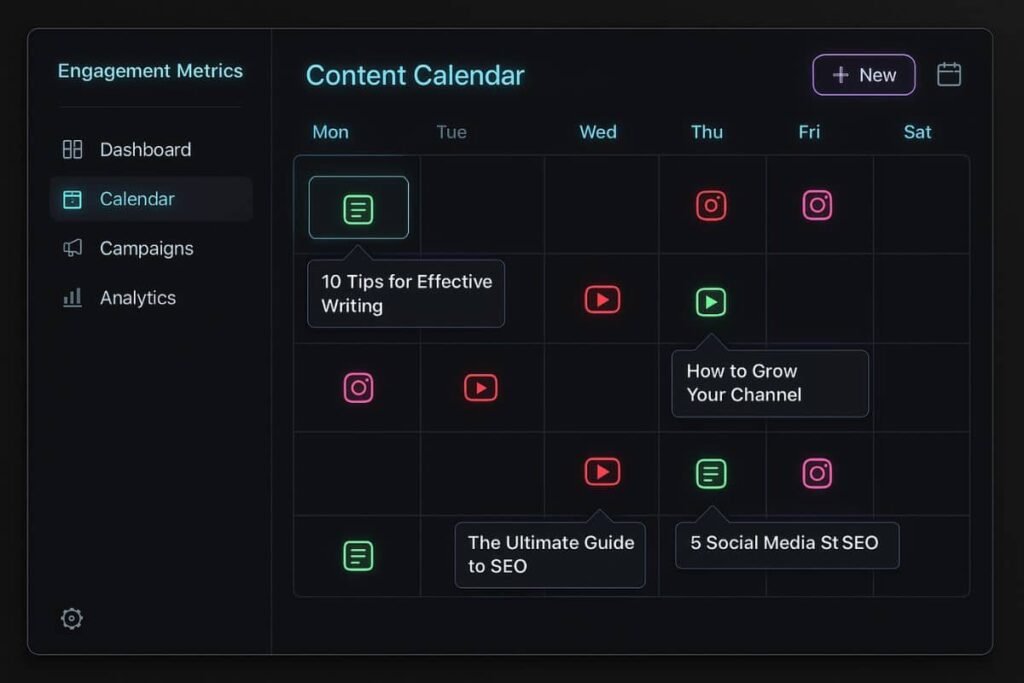
If you create content, whether it’s blog posts, social media, or YouTube videos, this one’s a must-have. The content calendar template turns chaos into clarity. Plan, write, and track everything in one visual dashboard.
Planning, publishing, and analyzing your content
- Schedule posts and add content briefs
- Get AI-powered headline suggestions
- Track engagement and feedback over time
The AI can also detect publishing gaps and nudge you with fresh topic ideas, based on trends or your previous work.
Template 4: Project manager for agile teams
If you’re working with a team, especially in tech or creative fields, this agile project manager template is a lifesaver. It combines kanban boards, progress bars, and team assignments, all powered by Notion AI’s real-time insights.
Assign tasks, track progress, and collaborate
Use the template to assign tasks with deadlines, monitor team bandwidth, and forecast delivery timelines. The AI even flags dependencies that could delay progress, allowing teams to resolve bottlenecks early.
Collaboration happens seamlessly inside the template, comments, updates, and reviews, all in one place.
Template 5: CRM system for solo entrepreneurs
Managing client relationships without a proper system can feel like juggling flaming swords, eventually, something’s going to drop. This CRM template is designed for freelancers, consultants, and small business owners who want to stay on top of leads, conversations, and follow-ups.
Simplifying client management and outreach
Notion AI helps you categorize clients, track last contact dates, and even draft email follow-ups. You can add tags like “hot lead” or “waiting on reply,” and the system will surface priority interactions daily.
No more lost opportunities or forgotten check-ins, the AI does the remembering for you.
Template 6: Meeting notes with smart summaries
Taking notes is one thing. Actually finding and using those notes later? That’s the real challenge. With this Notion AI template, your meeting notes get auto-organized and summarized, so you spend more time listening and less time typing.
From chaotic calls to clean, searchable notes
- Real-time transcription (when enabled)
- Automatic action item extraction
- Tags and summaries for quick navigation
Need to revisit a project kickoff call from last month? Just search a few keywords, and the AI will pinpoint the section instantly.
Template 7: Personal knowledge hub
Ever read something fascinating and forget where you saved it? This knowledge hub template acts as your second brain. Store notes, articles, quotes, and ideas, all categorized, tagged, and searchable with AI.
Capture ideas, learnings, and inspirations
Whether it’s a book excerpt, YouTube insight, or random idea during your morning coffee, drop it into the hub. Notion AI organizes and connects related concepts, helping you form deeper connections between ideas.
It’s perfect for students, creatives, and lifelong learners who want to keep their best thoughts in one evolving space.
How to customize templates to fit your needs
Each of these templates is a starting point, not a box. Notion lets you tweak layouts, add properties, and even embed other tools. Want to link your goal tracker with your daily planner? Go for it. Need your CRM to trigger follow-up reminders? Easy.
And as your workflow evolves, so can your templates. That’s the real magic of Notion AI, it’s not just software. It’s a partner that grows with you.
If you’re ready to cut through digital chaos and streamline your work, these Notion AI templates offer a powerful starting point. Each one is designed to save time, reduce stress, and help you stay organized effortlessly. Start with one or two and build from there your future, more productive self will thank you.